

Convert your photos into unique anime scenes with Deep Anime’s simple and automatic process.
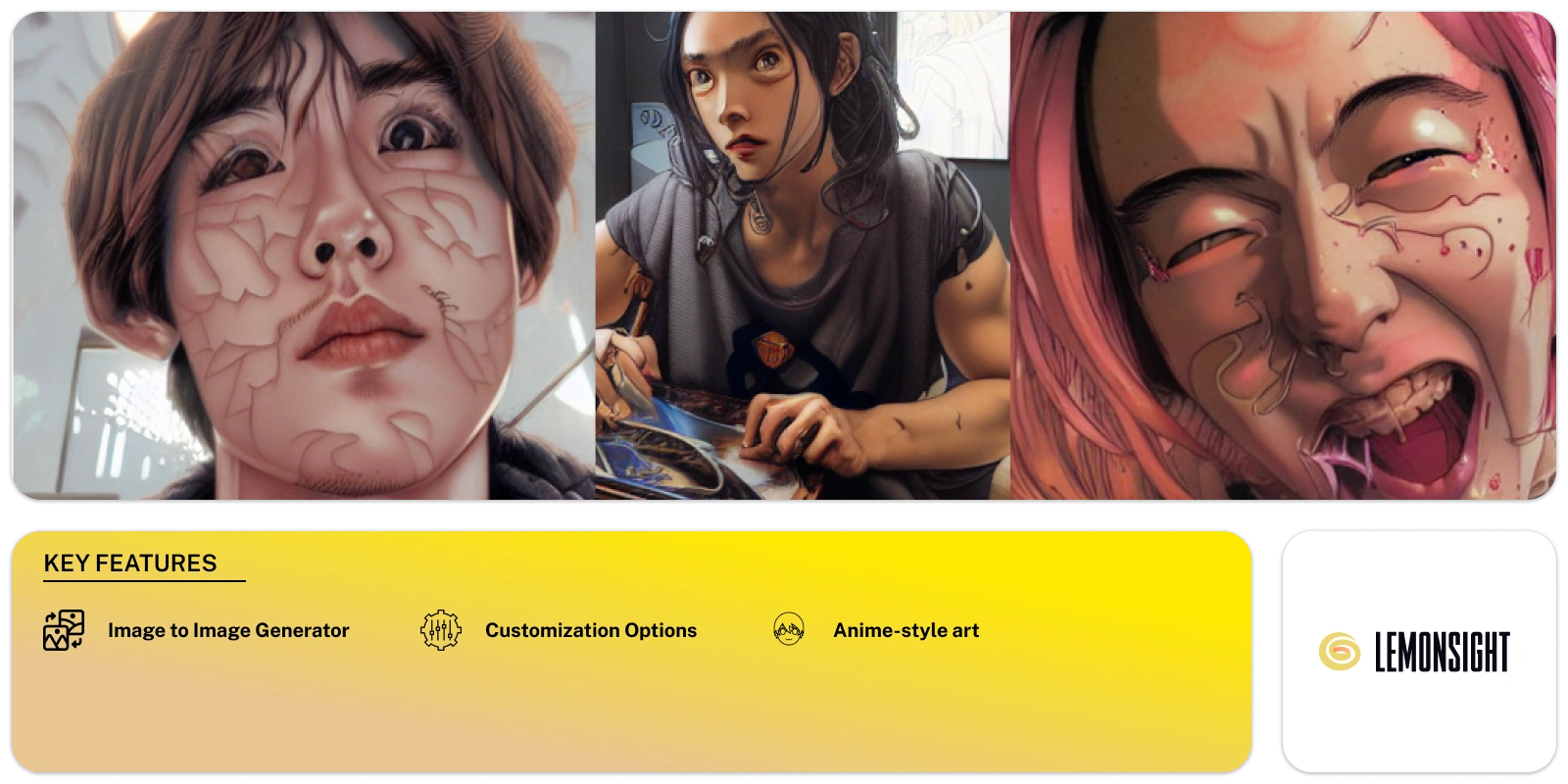
Deep Anime is a great app for people who love anime art. You can use it on iOS or Android, so it’s easy to access. The app helps you turn your photos into anime scenes with simple steps.
The tool uses AI to scan your photos and spot faces and objects. It then converts these into anime art using neural networks. The process is automatic, so you don’t need editing skills to get great results.
One standout feature is its automatic detection. The app finds the key parts of your photos, like faces and objects, and focuses on turning them into anime. This saves you time because you don’t need to do it yourself.
You can choose from different anime styles, too. The app lets you try different looks and find the one that fits your photo. It gives you more control, making each image feel more personal.
The app also has adjustable settings. You can tweak the details to match your style. This makes your work feel more creative and unique.
Once your anime photo is ready, you can share it. The app makes it easy to share your work on social media or save it to your device. You can use it to impress friends or keep it for yourself.
This tool makes it simple to create anime art from any photo. Whether you’re an artist or just having fun, the app gives you a creative way to explore anime aesthetics.
Describe your desired character or scene and let the AI bring it to life. You can specify details like hair color, clothing style, background, and even emotions.
Upload an existing photo and transform it into an anime version. This is a fun way to “anime-ify” yourself or your favorite pictures.
Choose from various anime styles, like shonen, shojo, cyberpunk, and even realistic anime.
Adjust various aspects of the generated image, including facial features, body proportions, and lighting.
The tool is free to use!
The app uses AI to scan your photo. It detects faces and objects, then converts them into anime-style art.
Yes, you can choose from various anime styles to apply to your photos. This allows you to customize the look to your preference.
The app is available on both iOS and Android, so you can use it on most smartphones and tablets.
No, the app automatically detects faces and objects in your photos. This makes the process easier and faster for you.
Yes, you can tweak the settings to fine-tune the anime effect. This helps you get the exact look you want.
You can easily share your anime-style photos on social media or save them to your device directly from the app.
No, you don’t need any editing skills. The app handles the conversion automatically, making it user-friendly for everyone.
Start free, or take the trial to explore premium features across all your devices.
Visit Deep Anime →
AI photo editing: Remove backgrounds and enhance images.

Reimagine memories, moods, and moments in vibrant hues.

Conjures captivating images at your command.

Your trusted AI copilot for crafting stunning art with just a click.
Changing ideas into artwork with one click and simplifies AI image creation for everyone.

Erase, Enhance, Enjoy: Remover by ZMO.AI