

AI photo editing: Remove backgrounds and enhance images.
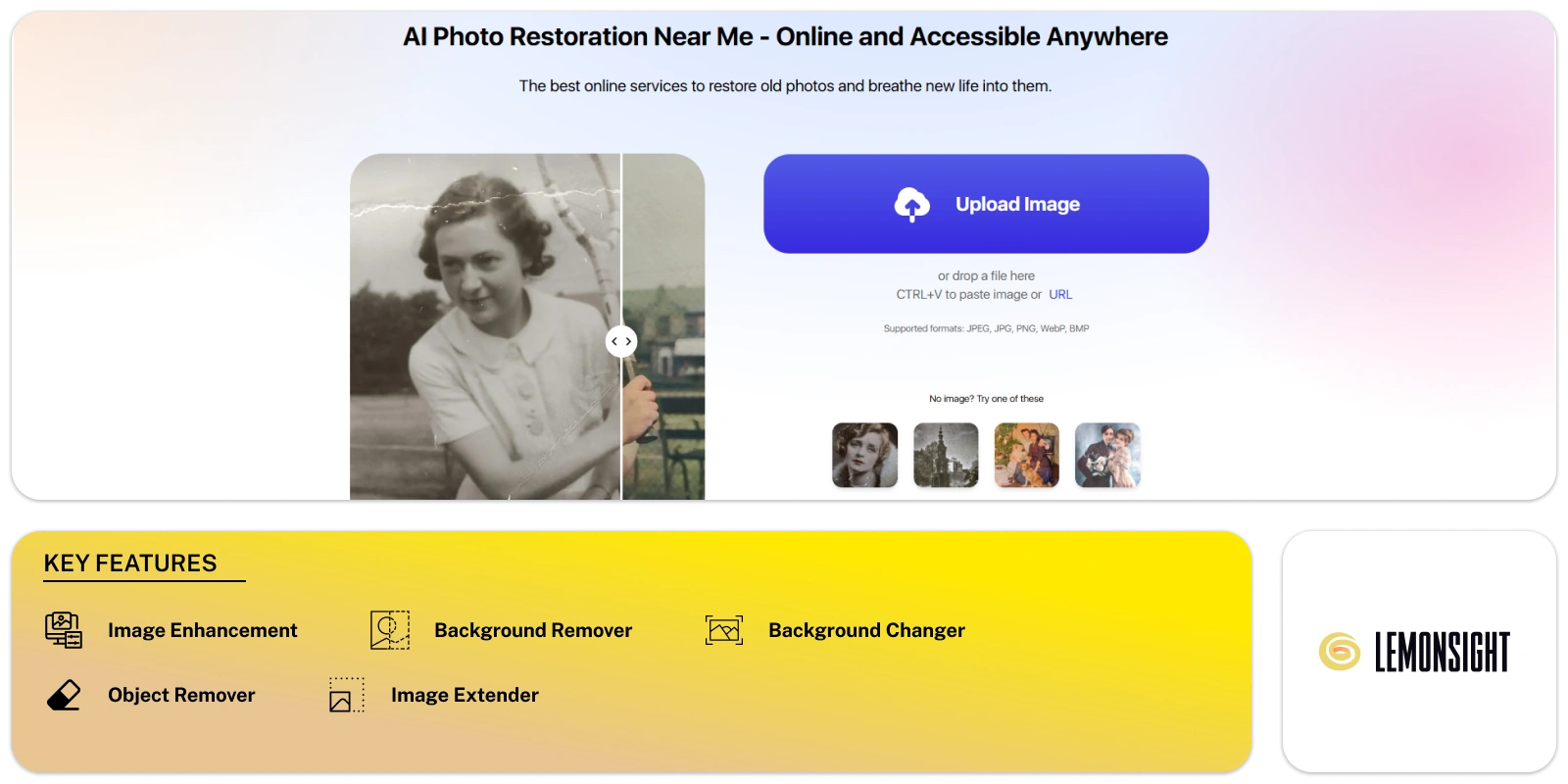
Pokecut is an online photo editing tool powered by AI. It helps you enhance images quickly and easily, no matter your skill level. One of its main features is background removal. With one click, you can remove unwanted backgrounds in seconds. This is ideal for photographers, marketers, and content creators who need fast editing.
You can also replace backgrounds with solid colors or choose from over 1000 templates. These templates help you create images that fit specific themes or branding. Whether you’re working on social media posts or product photos, the tool gives you the tools to make your images stand out.
The platform also improves blurry or low-quality photos. Its AI algorithms sharpen images and enhance their quality. This is helpful if you don’t have high-end photography equipment. You can still create clear, professional visuals that look polished.
If you work with many photos at once, Pokecut’s batch editing feature saves time. You can edit multiple images together, making bulk tasks easier. Its simple interface is easy to navigate, so you don’t need technical skills to get professional results.
The tool works on web browsers and mobile devices. You can use it on Android and iOS, making it accessible wherever you are. Its free version offers basic features, while paid options unlock advanced tools for users with specific needs.
The tool also includes a large library of design resources. These resources provide inspiration and pre-made elements to elevate your projects. With over 50 AI-powered features, like image sharpening and upscaling, the platform simplifies photo editing while helping you create stunning content.
The platform’s tools and features are designed to save time and improve your workflow. Whether you’re a beginner or an experienced editor, it helps you create images that match your vision.
| Plan | Price |
|---|---|
| Free Plan | $0 |
| Monthly Subscription | $9.99/month |
| Yearly Subscription | $69.99/year |
| 1000 Credits | $9.99 |
| 5000 Credits | $39.99 |
| 10000 Credits | $69.99 |
Start free, or take the trial to explore premium features across all your devices.
Visit Pokecut →
Reimagine memories, moods, and moments in vibrant hues.

Conjures captivating images at your command.

Your trusted AI copilot for crafting stunning art with just a click.

Changing ideas into artwork with one click and simplifies AI image creation for everyone.

Turn sketches into captivating masterpieces with AI magic!

Erase, Enhance, Enjoy: Remover by ZMO.AI