
Experience AI's creative power and elevate visuals beyond imagination.
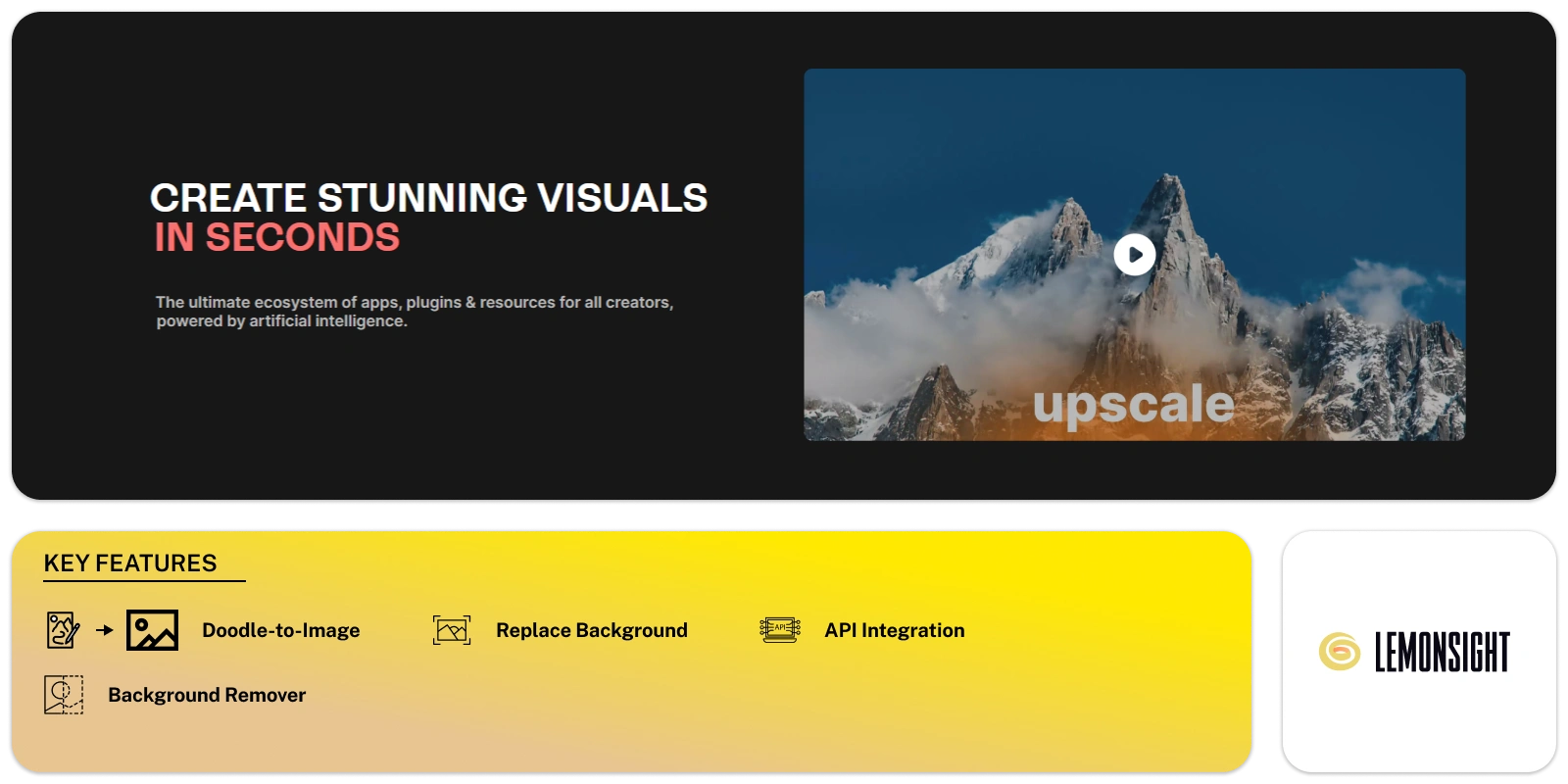
Clipdrop offers a wide set of image generation tools, empowering users to create stunning visuals quickly.
The tool includes Stable Diffusion XL, enabling users to generate high-resolution, realistic images using AI technology. The Swap feature allows seamless people-swapping within any image.
Clipdrop also provides Real-Time Text-to-Image Generation with Stable Diffusion XL Turbo, allowing for the instant creation of visuals from text inputs.
Users can utilize Replace Background and Remove Background functionalities to teleport and extract subjects, while Cleanup automates the removal of unwanted objects, people, text, and defects.
The Uncrop feature enables photos to be adjusted to any desired format, and the Image Upscaler enhances images by up to 4x while removing noise and recovering details.
Clipdrop enhances image creation with features like Stable Doodle, Relight, and Sky Replacer, offering users versatile options to transform and improve their visuals.
The Text Remover tool enables easy removal of text from images, ensuring seamless integration into various contexts.
With Clipdrop API, users can integrate top-notch AI tools into their own apps, extending the benefits of easy and high-quality image generation to more users.
With powerful tools for easy and precise image creation, Clipdrop empowers users to create visually appealing content effortlessly.
Craft unique pictures based on your written descriptions.
Transform your hand-drawn sketches and doodles into fully realized images.
Remove unwanted backgrounds from your photos with impressive accuracy.
Choose a new background for your image from a library of options or upload your own custom background.
Remove blemishes, objects, or text from your photos seamlessly. Restore images to their original look or create unique compositions.
Expand the canvas of your photos, adding background or seamlessly extending existing elements.
Edit multiple images at once for efficient workflow.
Access Clipdrop functionalities through a secure API for programmatic use.
| Plans | Monthly Cost | Annual Cost |
|---|---|---|
| Free | $0 | $0 |
| Standard | $13/mo | $9/mo |
Start free, or take the trial to explore premium features across all your devices.
Visit Clipdrop →
AI photo editing: Remove backgrounds and enhance images.

Reimagine memories, moods, and moments in vibrant hues.
Conjures captivating images at your command.
Your trusted AI copilot for crafting stunning art with just a click.
Changing ideas into artwork with one click and simplifies AI image creation for everyone.
Turn sketches into captivating masterpieces with AI magic!