
230+ one-click browser-based AI tools for image generation, editing, and enhancement with lifetime access and commercial rights.
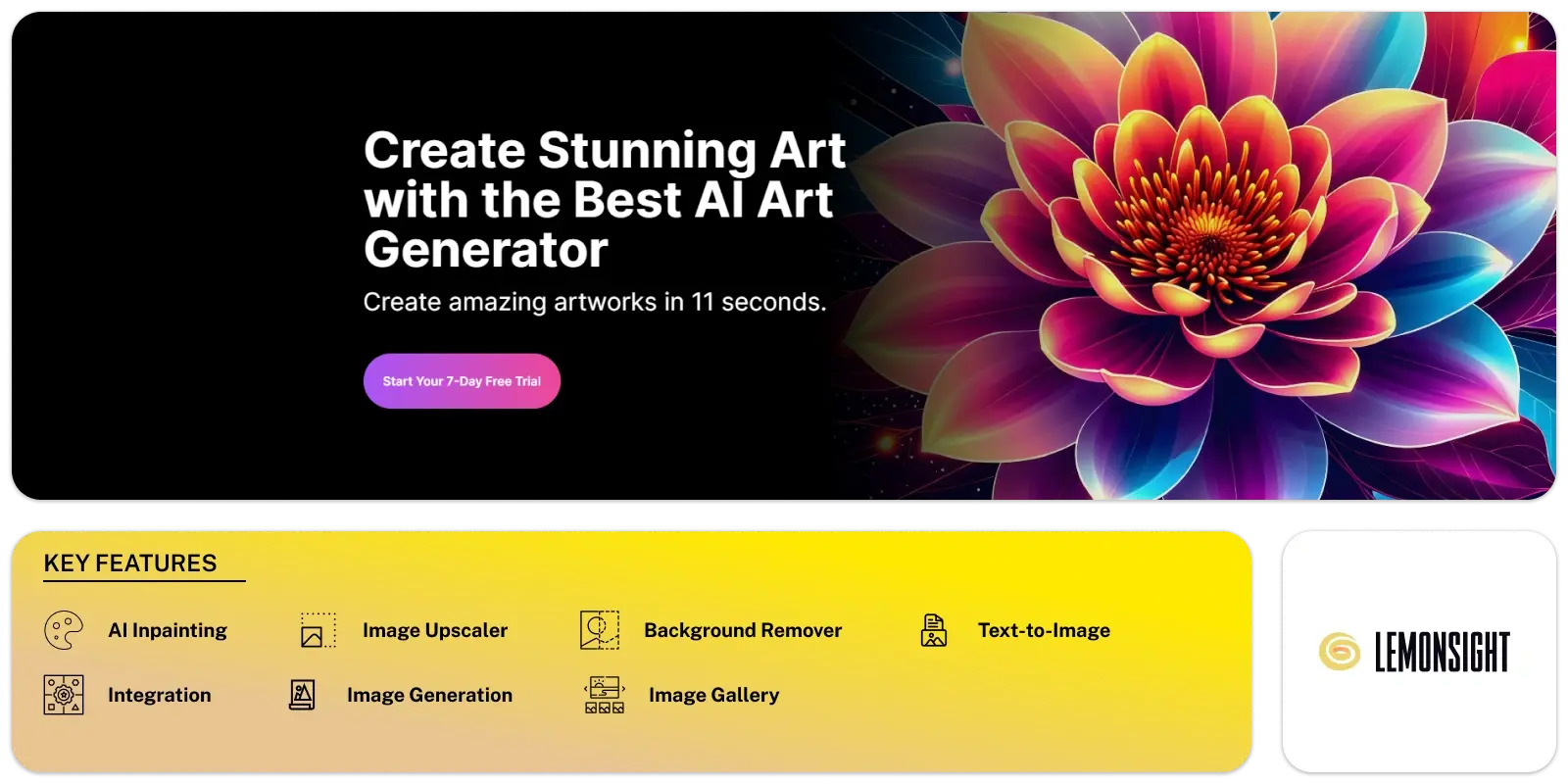
ArtSpace AI is a browser-based image generation platform offering one-click creative tools. The platform uses FLUX KONTEXT, SEEDREAM 4.0, and NANO BANANA to produce new visuals from prompts and uploaded photos. ArtSpace AI supports creators, marketers, and agencies that need quick production for design work, social content, marketing assets, and artistic ideas. The system runs through 230 automated tools that handle characters, scenes, expressions, clothing, rotation, age edits, style changes, and advanced visual updates. Face swaps, upscaling, and canvas edits operate through a simple web dashboard with no installation.
ArtSpace AI follows a lifetime access model with no recurring fees and includes commercial usage rights. Each plan sets a monthly usage cap, and relaxed generation mode manages peak demand. The platform also covers restored photos, lighting changes, scene moves, clothing updates, and colourised black and white images. Common modules offer sharpening, upscaling, background cleanup, pose changes, accessory edits, and themed avatars. More than twenty-one thousand creators use ArtSpace AI for steady output across many visual tasks.
ArtSpace AI provides a unified workflow for text-driven image generation and direct photo modification. The New Image module converts prompts into fresh visual content. Editing modules apply targeted changes such as pose swaps, clothing updates, hairstyle changes, and background replacement. Face Swap performs identity replacement in a single pass. Sharpen Pro increases clarity and reduces blur. 4K Upscaling lifts resolution to 4096×4096 pixels. Canvas Mode supports inpainting and outpainting for broader scene control. Advanced tools modify age, weight, expressions, and accessories. The system runs on proprietary model blends that enable consistent subjects across scenes. Users operate all tools through a simple browser interface with no installation.
ArtSpace AI operates under Nico Engler IO and delivers browser-based image generation tools with no software download. The platform builds a growing library of one-click modules supported by FLUX KONTEXT, SEEDREAM 4.0, and NANO BANANA. The company promotes lifetime access with no recurring fees and supports a seven-day money-back window for new buyers who remain under the one-hundred-image limit. Public sentiment on Trustpilot reports fast response times and steady updates. Testimonials describe high output speed, accurate edits, and reliable support. More than twenty-one thousand creators use the platform across design tasks, social content, and marketing projects. Payments run through PayPal, major cards, Apple Pay, and Google Pay.
ArtSpace AI offers a wide set of visual tools that handle creation, editing, and enhancement. Every module performs a single task, so users can combine features in a flexible workflow.
| Feature | Starter | Pro | Unlimited |
|---|---|---|---|
| Price | $59 one-time | $129 one-time | $199 one-time |
| Images/month | 300 | 1,500 | Unlimited |
| 204+ one-click tools | ✓ | ✓ | ✓ |
| Text-to-image | ✓ | ✓ | ✓ |
| 4K upscaling | ✓ | ✓ | ✓ |
| Face swap | ✓ | ✓ | ✓ |
| Commercial rights | ✓ | ✓ | ✓ |
| Canvas Mode | ✗ | ✓ | ✓ |
| Priority generation | ✗ | ✓ | ✓+ |
| Support | Standard | Priority | Priority+ |
Multiple platforms are considered alongside ArtSpace AI when creators explore image-generation options. Midjourney focuses on prompt-driven creation built around its own model architecture. DALL·E supports prompt input with broad integration across connected ecosystems and allows detailed visual edits. Canva AI combines image creation with layout tools and templates inside a wider design suite. Stable Diffusion models power local or hosted workflows for creators who want open-model flexibility. Each option handles scenes, styles, and character output in different ways. These tools match common tasks seen in ArtSpace AI, such as new image generation, style changes, clothing updates, and scene edits. They vary by workflow, interface design, and access model. Some rely on monthly billing while ArtSpace AI offers lifetime access.
Start free, or take the trial to explore premium features across all your devices.
Visit ArtSpace.ai →
AI photo editing: Remove backgrounds and enhance images.

Reimagine memories, moods, and moments in vibrant hues.
Conjures captivating images at your command.
Your trusted AI copilot for crafting stunning art with just a click.
Changing ideas into artwork with one click and simplifies AI image creation for everyone.

Erase, Enhance, Enjoy: Remover by ZMO.AI