

AI-Powered Video Creation Made Easy With Gila Studio
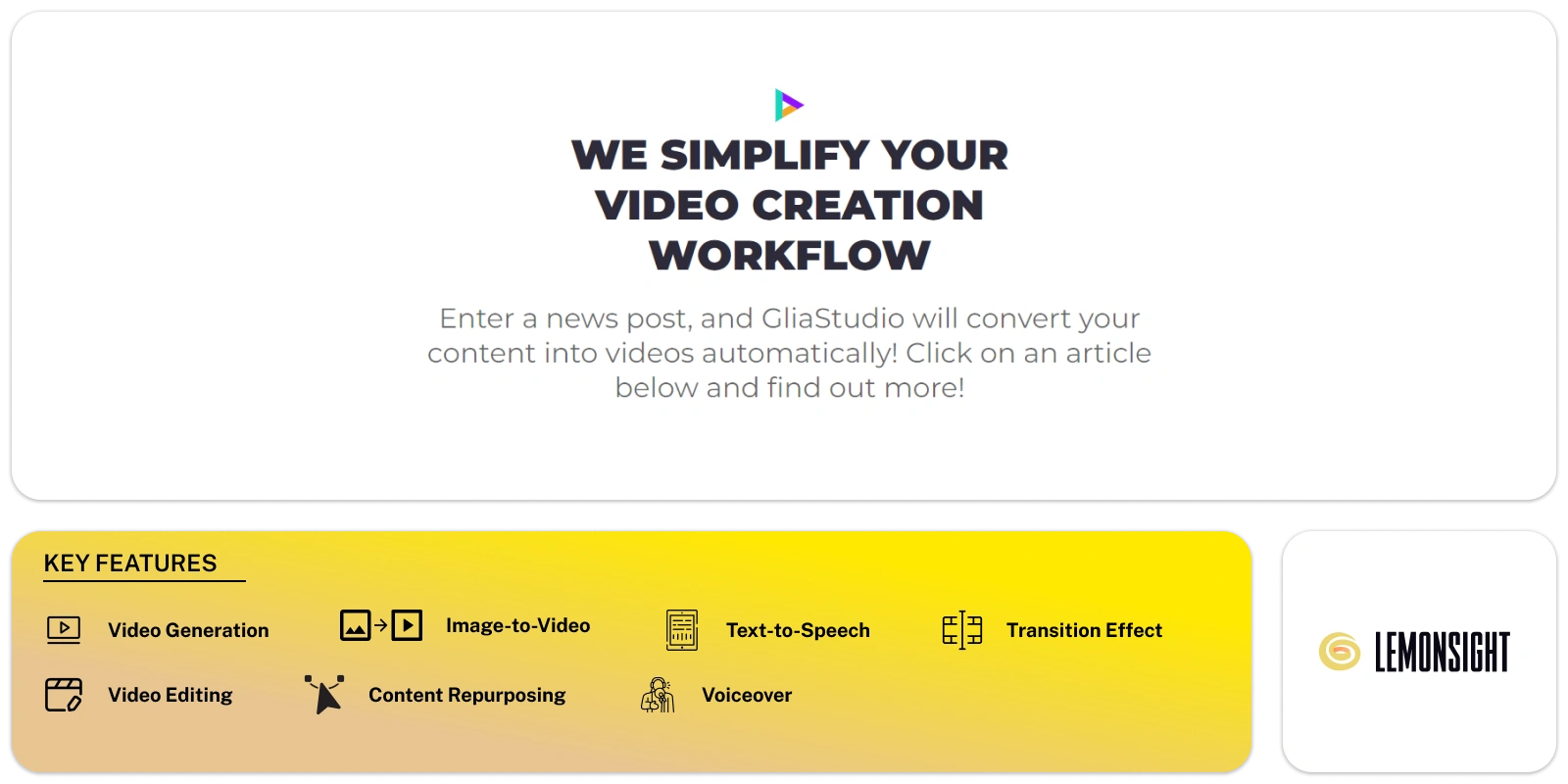
Glia Studio is an AI tool that lets you create high-quality videos easily from various types of content. These include social media posts, news articles, live sports events, and statistical data.
All you have to do is provide the URL and content, and the tool will do the rest. With access to a wide range of resources, like images and videos, you can effortlessly create engaging and professional-looking videos.
The platform offers many features, such as manual voiceover, text-to-speech, article-to-video, image-to-video, and video music. It can add resources and media to the videos.
Additionally, you have complete control over the final product since you can manually edit, resize, cut, and modify your videos. Glia Studio is loaded with AI tools that make video creation and editing simple and effortless.
Video Generation
Allows users to create high-quality videos from a wide range of content sources, including social media posts, news articles, live sports events, and statistical data.
Image-to-Video
Supports the creation of video content from images.
Video Editing
Users have complete control over the final product with editing options like manually resizing, cutting, and modifying videos.
Transition Effect
Users can apply various transition effects to create smooth video clips.
Text Layout
Users can choose different text layouts to position their text along their video.
Text-to-Speech
Its text-to-speech technology generates automated narrator voices in different languages.
AI Voiceovers
Users can record their voice and add it as a voiceover to their video.
URL-to-Video
The tool converts articles or web content into videos by pasting the URL.
Article-to-Video
Transform written articles into videos by copying and pasting the content.
Duplicate Clip
The tool creates many versions of your video by duplicating clips within the editor.
Video Repurposing
Users can increase their video’s performance across platforms by fitting the content to the frame.
GIF Maker
It converts your video into a GIF with simple steps.
Video Music
Users can add background music to their videos, enhancing the overall viewer experience and engagement.
| Plans | Cost |
|---|---|
| Free | – |
| Custom Pricing | – |
Start free, or take the trial to explore premium features across all your devices.
Visit Glia Studio →
Get concise summaries of videos, papers, and discussions quickly.

Enhance video quality up to 8K with AI-powered remastering, all from the cloud—no hardware needed.

Innovative online video dubbing platform for accurate and natural voiceovers in 30 languages.

Transform your ideas into captivating videos in two minutes with end-to-end AI video marketing platform.

Get concise summaries of YouTube videos instantly, saving you time and boosting efficiency.

Create interactive talking avatars, generate videos with AI, and streamline conversational experiences.